With a size under 3 MB and especially no root access required, this makes it a pocket app worth installing for any Android user.
Historically, the heavy size of many apps often arises from a long list of redundant features and stray files that most users never use. Fortunately, not every developer chases that trend.
There are still Android apps that go against the crowd, focusing on core values. Thanks to this approach, they stay lightweight while delivering performance advantages relative to their size.
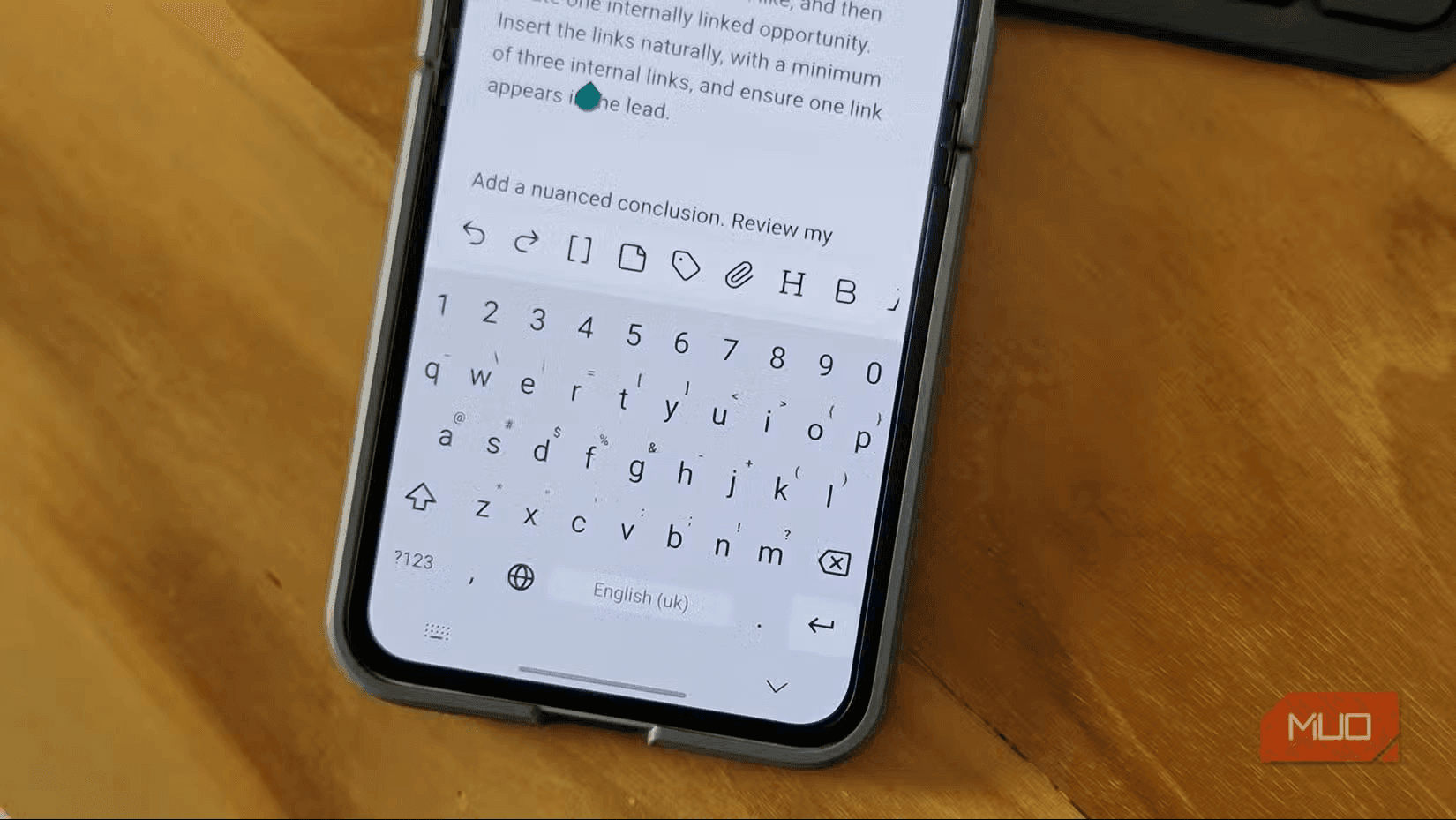
Simple Keyboard — True to its name, the app is pared down to the minimum and removes most extras. There is no clipboard, no swipe-to-type, no spell checker, and no AI tools. Even emojis, GIFs, or stickers are absent. What remains are a few customizable themes, a keyboard-height adjustment tool, and basic gestures such as swipe-to-delete. Simple Keyboard pledges not to collect any data, not even crash data. The app does not request Internet access or any permissions other than haptic feedback when typing. This is an ideal choice for those who only need a plain keyboard with nothing else.
KISS Launcher — Not only keyboards, third‑party launchers often fall into the trap of feature greed. The most significant downside of overloading is severe performance degradation on older or mid‑range devices. That’s why KISS Launcher is highly regarded. With a footprint of just 250 KB, the app prioritizes practicality over visuals.
The launcher is limited to two screens: the home screen and the app drawer. There’s no clutter from news feeds, widgets, or swiping across multiple home pages.
The standout is the smart search bar. It not only opens apps but can also access contacts, quickly open specific settings, enable advanced features inside apps, and even perform direct web searches. That kind of universal search experience is usually reserved for high-end devices, but KISS Launcher brings that premium experience to every Android phone.
Open Camera — Default camera apps on most Android phones have grown unreasonably heavy. They’re overloaded with AI scene detection, beautification filters, continuous cloud backup notifications, and a host of auxiliary tools that the average user rarely uses. As a result, the photography experience can feel laggy.
If you also find the bundled camera app too cluttered, Open Camera is the best free alternative right now. It’s a true photography app, avoiding flashy features but still supporting professional modes such as burst, RAW format, HDR, and even noise reduction.
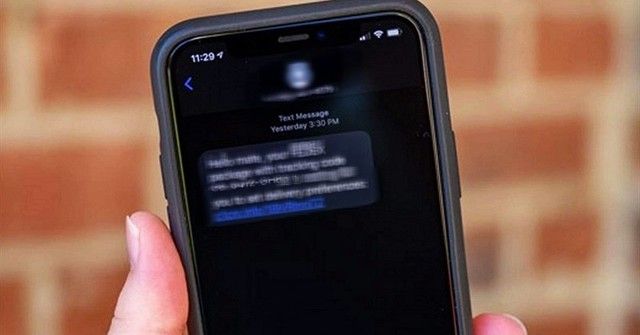
URLCheck — If you’ve ever felt uneasy about tapping a link in a message, email, or anywhere on your phone, URLCheck is your rescue. The app acts as an intermediary filter between the link and your browser, extracting and accurately displaying what lies inside before the page loads.
It can decode shortened links, remove tracking parameters, cross-check the domain against malware databases, and even scan the link’s safety with VirusTotal. The entire process is performed securely before the browser sees the link. After installation, set URLCheck as the default browser. From then on, every link you click will be routed through URLCheck for cleansing or preserving the original form. The app also allows you to set an exception whitelist for trusted sites to avoid nuisance during use.
NetGuard — Many users will appreciate the ability to block mobile data for individual apps. NetGuard is an open-source, completely free app that lets you block Internet access for specific apps, independently for Wi‑Fi, mobile data, or both. The UI is simple: open the app, flip the switches next to the apps you want to restrict, and you’re done. NetGuard also includes a master switch to temporarily disable all restrictions.
Beyond saving data, NetGuard effectively prevents background apps from draining the battery. With a size of under 3 MB and no root required, it’s a pocket app every Android user should consider installing.
These lightweight apps illustrate a practical benefit for users seeking faster performance and lower storage use on devices with limited resources. Privacy-focused features, such as those claimed by Simple Keyboard, and granular data control offered by NetGuard, highlight potential advantages for users prioritizing minimalism and control over feature-richness.
The examples reflect a design philosophy that emphasizes core functionality, smaller app footprints, and privacy or control features. While external expert commentary is not cited, the described benefits align with expectations for improved performance on older devices and reduced data usage when adopting minimalist, purpose-built apps.