•
•
•
•
•
•
•
•
•
•
•
•
•
•
•
•
•
•
•
•
•
•
•
•
•
•
•
•
•
•
•
•
•


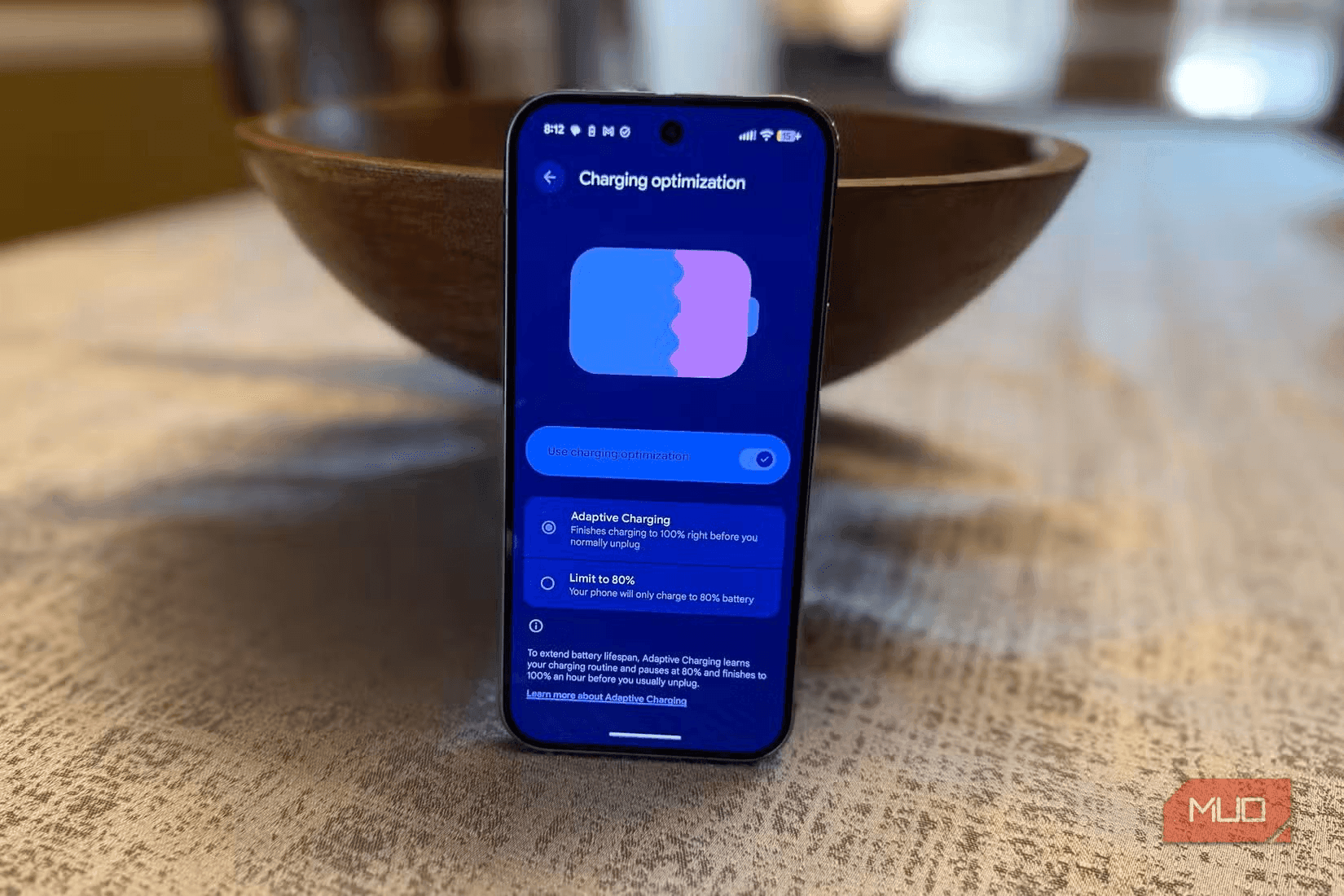
By adjusting a few Android settings without installing any third-party software, users can extend their phone’s battery life by about 10%, according to steps shared by Digvijay Kumar of MakeUseOf.
Many smartphones include charging limits such as Samsung’s “Battery protection” or Google Pixel’s “Charging optimization,” which can cap charging at 80%. The rationale is that charging to 100% regularly can reduce battery life over time, especially for users planning to keep the device for around two years.
However, these protections can also be inconvenient during spontaneous fast charging, sometimes leaving the phone stuck at 80% unless the setting is manually disabled.
Let the battery reach 100% by disabling the charging optimization feature. The article notes that if you upgrade your phone frequently (for example, every year), “pampering” the battery too much may be less necessary. Users are advised to find the charging optimization setting and disable it to maximize battery capacity each time the phone is plugged in.
Always On Display can consume a significant amount of battery because the screen remains active to show time or notifications. The article states that on some devices, AOD can noticeably shorten standby time.
To save energy, turn off AOD in Settings > Display (or search for “AOD”). Instead of leaving the screen on, the article suggests using double-tap to quickly view the lock screen when needed.
The article recommends using Developer options for “tuning” adjustments that can affect display behavior and system performance. To enable Developer options, go to Settings > About > tap 7 times on “Build number.”
The article’s overall conclusion is that while some steps may conflict with standard device protection settings, they can be useful for users who prioritize real-world performance and daily flexibility. It specifically argues that stopping the habit of charging to 80% and removing Always On Display can help maximize device power.
It encourages readers to apply the steps to experience an Android that is “more beastly” and noticeably faster.





Premium gym chains are entering a “golden era” that is ending or already in decline, as rising operating costs collide with shifting consumer preferences toward more flexible, community-based ways to exercise. Long-term memberships are shrinking, margins are pressured by higher rents and facility expenses, and competition from smaller, more personalized…