•
•
•
•
•
•
•
•
•
•
•
•
•
•
•
•
•
•
•
•
•
•
•
•
•
•
•
•
•
•
•
•
•


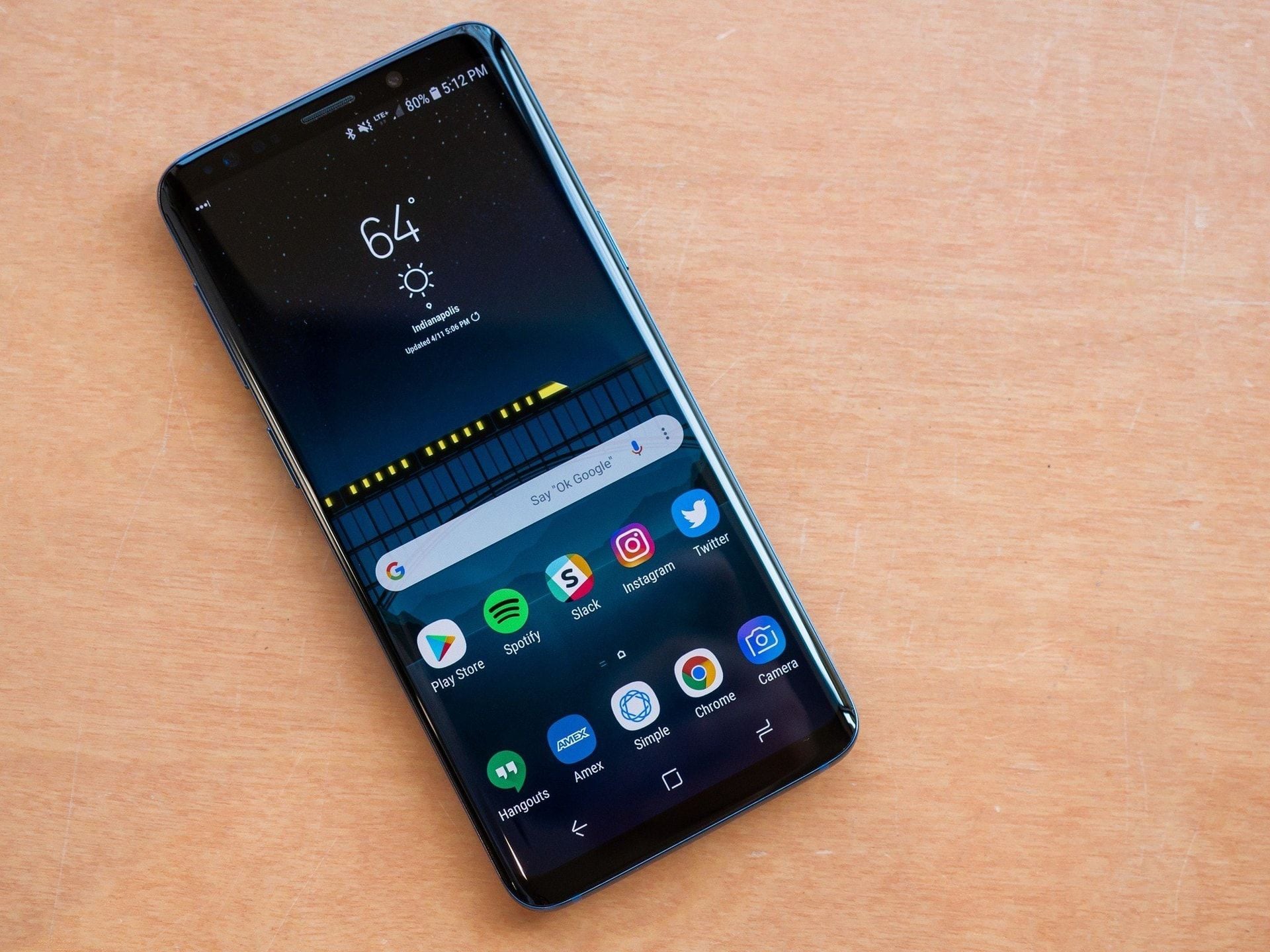
A budget Galaxy phone owned by Brandon Miniman (MakeUseOf) became noticeably sluggish within the first few months, with performance and battery life worsening over time. After spending about half an hour removing Samsung preinstalled tools, he reported that the device felt significantly faster and that he “should have done this from day one.”
Miniman said every Galaxy phone ships with a dozen or more apps the user did not request. He found more than ten such apps in the app drawer, including cases where Samsung duplicates functionality—for example, Samsung Internet alongside Chrome, Samsung Messages alongside Google Messages, and a Galaxy Store separate from the Play Store.
He described these apps as not simply sitting idle: they can auto-update, sync, download updates, and request permissions. On lower-end devices with 4GB or 6GB RAM, he said the background activity can increase CPU load, leading to slower app launches, delayed keyboard response, and battery drain that can reach red by midday despite light use.
He also noted that many of these apps are installed through partner agreements and licensing, meaning the hardware is purchased while some device resources are allocated to software the user did not choose. He added that on Samsung phones, most of these apps cannot be uninstalled through standard settings.
Miniman said he needed a way to delete the apps without voiding the warranty. On a budget Galaxy, he reported that most of the preinstalled apps cannot be uninstalled normally.
He explained that long-pressing apps such as Gaming Hub or Samsung Max does not show an “Uninstall” option. In Settings, Samsung typically provides only “Disable,” which hides the app from the launcher but leaves it installed.
To remove apps without root, he used ADB (Android Debug Bridge), a free command-line tool from Google that communicates with the phone over USB. He said ADB can remove apps from the active user profile without root access, keeping the warranty intact. If needed, he said a factory reset would reinstall the removed apps.
Miniman said the setup takes about five minutes. On the phone, he instructed: go to Settings > About phone > Software information, then tap the Build number seven times to unlock Developer Options. From there, enable USB Debugging.
On the laptop, he said to download Android Platform Tools from Google’s developer site and unzip the folder. He then described opening a Command Prompt in that folder, connecting the phone via USB, and running:
adb devices
He reported that this establishes the connection.
For each app, Miniman said the uninstall process uses a single command:
adb shell pm uninstall -k --user 0 <package name>
He noted that the -k option preserves cached data as a safety measure. He started with Samsung Messages and said the terminal returned “Success,” then processed the remaining apps similarly.
Miniman provided the following apps and package names so readers can copy them directly:
Miniman said Samsung does not display these package names in Settings. For removing other apps outside his list, he recommended searching on Google using keywords such as “Gaming Hub ADB package name” to find the exact string.
He also emphasized backing up the phone via Samsung Smart Switch and writing down every package name of the apps intended for removal to avoid errors.
If the device becomes unstable afterward, he said the apps can be restored without a factory reset by running:
adb shell cmd package install-existing <package name>
Miniman warned that Samsung software updates can re-enable or reinstall apps removed via ADB. After each major One UI update, he advised running:
adb shell pm list packages samsung
He said that if unknown entries reappear, the uninstall command should still work as before.
He concluded by advising careful curation of what gets installed afterward. He said free Play Store apps—especially utilities and games—can also run background processes similarly to Samsung’s preinstalled apps, so removing Samsung’s bloatware could be counterproductive if replaced with other apps that create similar resource usage.
By Quốc Vinh
Premium gym chains are entering a “golden era” that is ending or already in decline, as rising operating costs collide with shifting consumer preferences toward more flexible, community-based ways to exercise. Long-term memberships are shrinking, margins are pressured by higher rents and facility expenses, and competition from smaller, more personalized…